


发布Jar包到Maven中央仓库(为开发开源中间件做准备) 作者:小傅哥
博客: https://bugstack.cn (opens new window) 沉淀、分享、成长,让自己和他人都能有所收获!😄 # 前言介绍 (19年12月)最近想基于Spring Boot做个开源共享项目,开发一个分布式任务DcsSchedule中间件可以把Schedule增强。那么遇到一个问题希望把Jar包发包到Maven中央仓库,这样需要使用的用户就可以直接引入。 # 发布准备 内容 备注 1 申请Github帐号: https://github.com 用于上传开源代码:https://github.com/fuzhengwei/schedule-spring-boot-starter 2 GPG生成密钥工具: Windows:https://gpg4win.org/download.html Mac:https://gpgtools.org/ 在后续流程中下载安装生成密钥并上传置服务器,本文使用的服务器是:hkp://keyserver.ubuntu.com:80 3 工单系统: https://issues.sonatype.org 负责申请上传资格及完成第一次上传,后续更新不需要使用,相当于一个启动装置 4 构件仓库: https://oss.sonatype.org 上传的jar包会先存放到这里,在这里进行 Release 后即可发布到maven中央仓库,也可以本地设置自动发布 5 镜像仓库: http://search.maven.org 最终成功发布的jar可以在这里搜到 6 Maven仓库:https://mvnrepository.com 经过几个小时耐心的等待会在Maven仓库中搜到 7 阿里云仓库:https://maven.aliyun.com 阿里云的仓库会同步的快一些 8 个人域名:https://bugstack.cn 这里主要用于工单资格验证(Add a TXT record to your DNS referencing this JIRA ticket: OSSRH-53637 (Fastest)) # 跟着节奏 # 1. 下载安装Gpg生成密钥 我们需要一个GPG环境,用来对上传的文件进行加密和签名,保证你的jar包不被篡改 1991年,程序员Phil Zimmermann为了避开政府监视,开发了加密软件PGP。这个软件非常好用,迅速流传开来,成了许多程序员的必备工具。但是,它是商业软件,不能自由使用。所以,自由软件基金会决定,开发一个PGP的替代品,取名为GnuPG。这就是GPG的由来。 下载地址: https://gpg4win.org/download.html (opens new window) 下载完成后直接安装即可,比较傻瓜式安装很简单,记得选中文(如果你英文硬也可以不选) 生成密钥(可以使用命令行生成,也可以直接在操作界面生成)
文件>新建密钥对(Ctrl+N) -- 创建个人 OpenPGP 密钥对
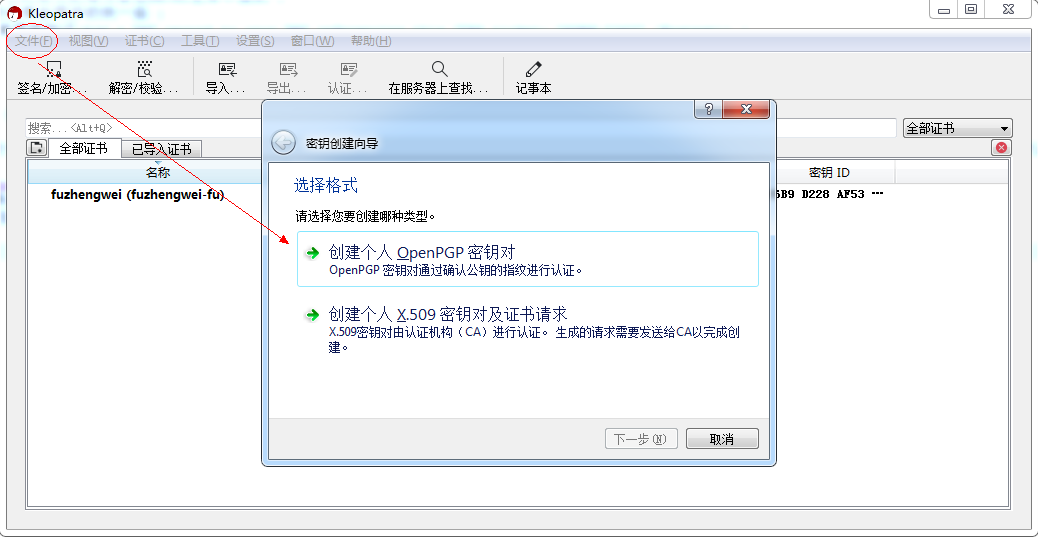
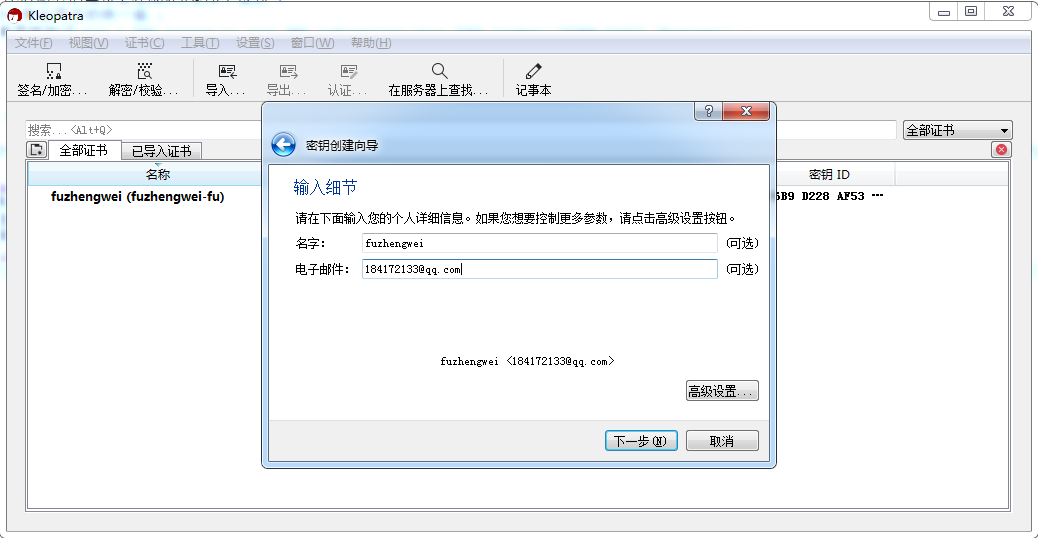
填写个人信息姓名和邮箱 并点击到 新建
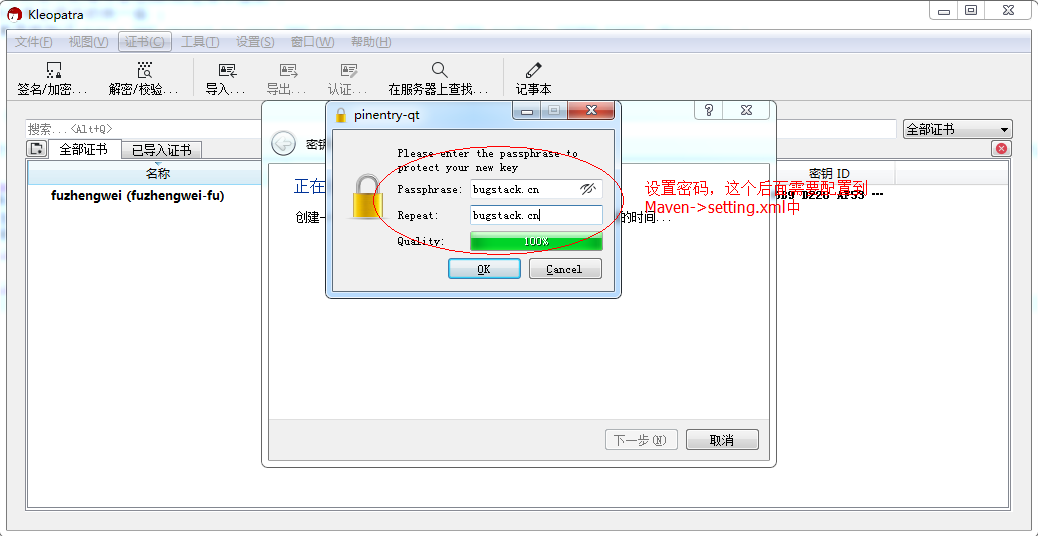
填写密钥密码
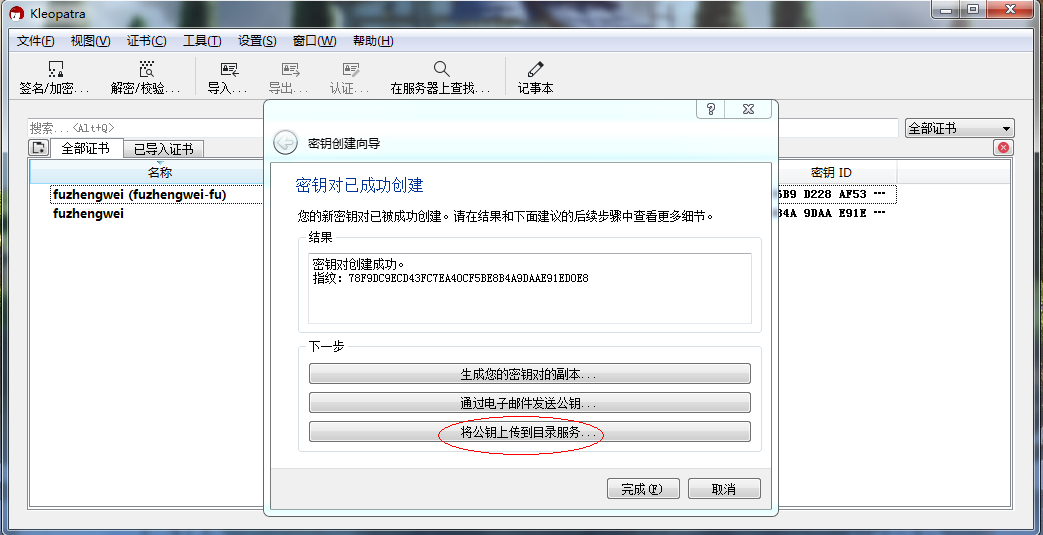
将公钥上传到目录服务{如果上传失败,则通过:设置(S)->配置Kleopatra(C),修改 OpenPGP密钥服务器为:hkp://keyserver.ubuntu.com:80}
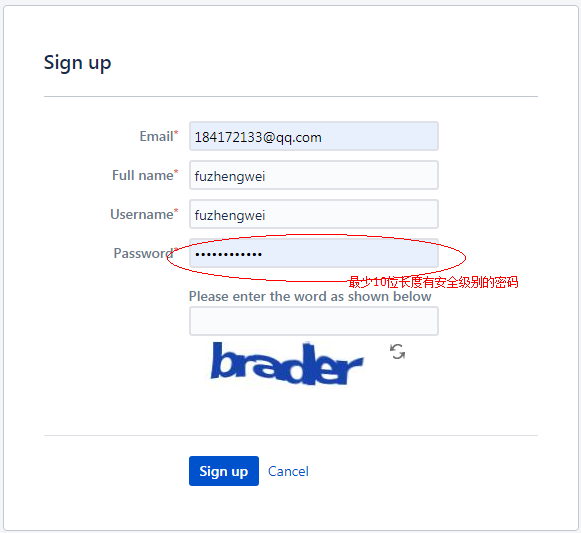
2. 工单系统帐号注册issues.sonatype # 1. 注册地址:https://issues.sonatype.org/secure/Signup!default.jspa
2. 创建工单
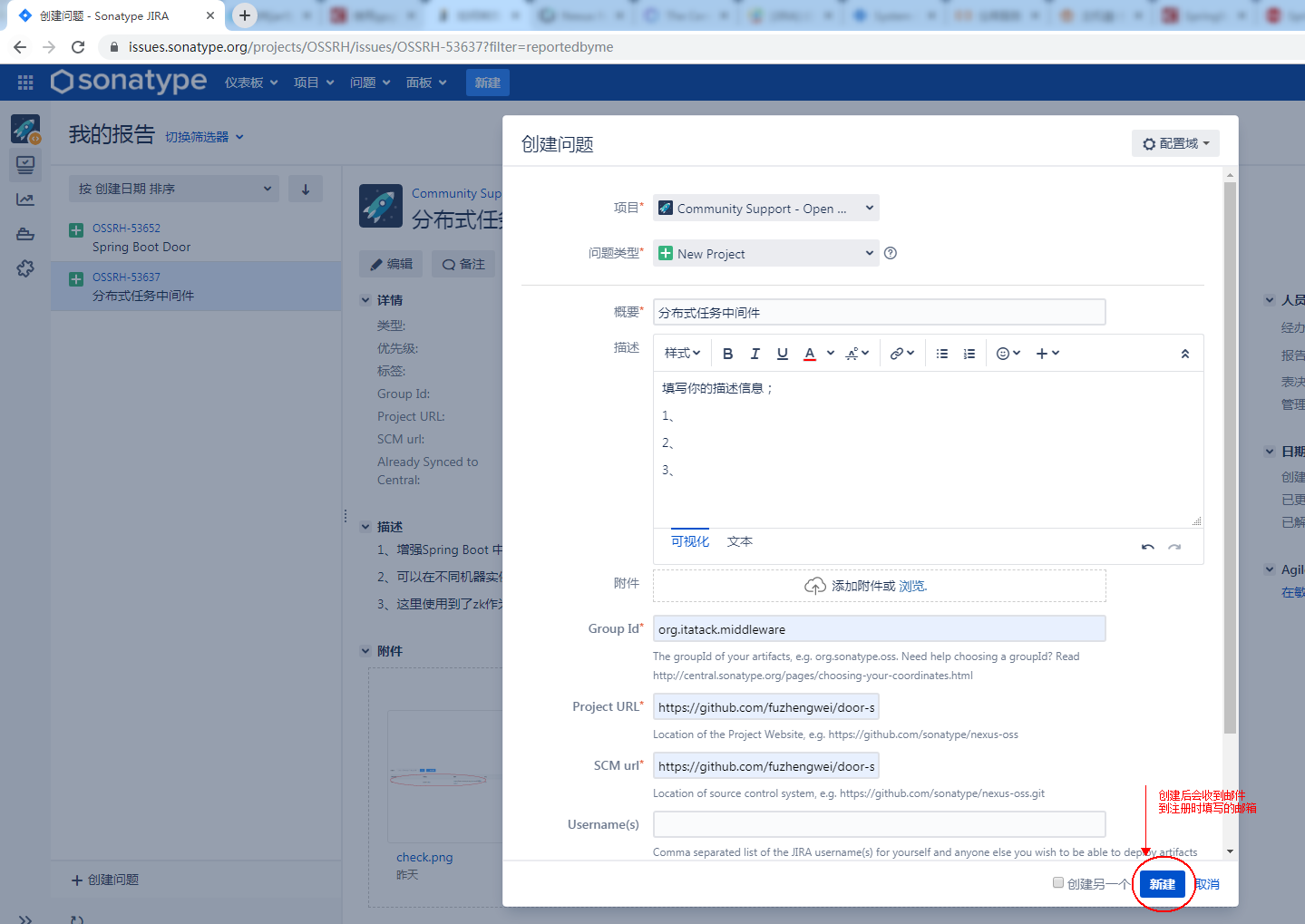
项目:Community Support - Open Source Project Repository Hosting 概要:发布Jar的名称 描述:非必填,最好描述清晰 Group Id:org.itatack.middleware & 和你的域名有关系,因为后续需要使用域名验证 Project URL:Github项目站点(https://github.com/fuzhengwei/door-spring-boot-starter) SCM url:源码仓库(https://github.com/fuzhengwei/door-spring-boot-starter.git) # 3. 配合人工审核 当创建完工单后,会收到信息反馈(国外与我们有时间差,半夜的时候他们审核的更快);
Do you own the domain itstack.org? If so, please verify ownership via one of the following methods:

Add a TXT record to your DNS referencing this JIRA ticket: OSSRH-53637 (Fastest)
Setup a redirect to your Github page (if it does not already exist)
If you do not own this domain, please read:
http://central.sonatype.org/pages/choosing-your-coordinates.html
You may also choose a groupId that reflects your project hosting, in this case, something like io.github.fuzhengwei or com.github.fuzhengwei

Would you like to use a free managed security reporting service (recommended)?
Put https://hackerone.com/central-security-project/reports/new as your project's security issue reporting URL. We'll take care of the rest.
For more details on the Central Security Project, visit https://www.sonatype.com/central-security-project
1 2 3 4 5 6 7 8 9 10 11